Working from your couch or hunched over a kitchen table might have felt acceptable a few years ago. Today, that makeshift setup is probably slowing you down and wearing you out. Roughly 14% of the American workforce works remotely full-time, and another 41% split their week with hybrid schedules. As remote work has settled into a permanent routine, dedicated workspaces have become a major lifestyle priority. Real estate figures show that over 66% of modern home buyers now rank a dedicated home office as a primary purchasing factor.¹
If your current workspace feels chaotic, you likely feel that drag on your energy before you even open your first email. Creating a space that keeps you focused does not require an endless budget or an entire corporate floor plan. You just need a deliberate setup that supports your body, clears your mind, and matches the rhythm of your workday.
The Foundation Designing for Focus and Flow
Have you ever stopped to map out what you actually do at your desk every day? Most people jump straight to buying organizers before they even assess their workflow.
Take an honest look at where friction happens during your routine. If you spend half your day on video calls, your microphone position and lighting angles matter just as much as your keyboard. If you juggle paper sketches alongside multiple browser tabs, you need flat table space alongside your monitors.
Next, focus on your body. Slouching over a laptop screen forces your neck to bear up to 60 pounds of extra strain. Setting up verified ergonomic adjustments can cut muscle fatigue by up to 60% and boost your daily productivity by up to 25%.² To keep your body feeling fresh, build your workstation around a few proven ergonomic benchmarks
• The 90-degree alignment: Adjust your chair so your elbows, hips, and knees rest at 90-to-100-degree angles, with your feet flat on the floor.
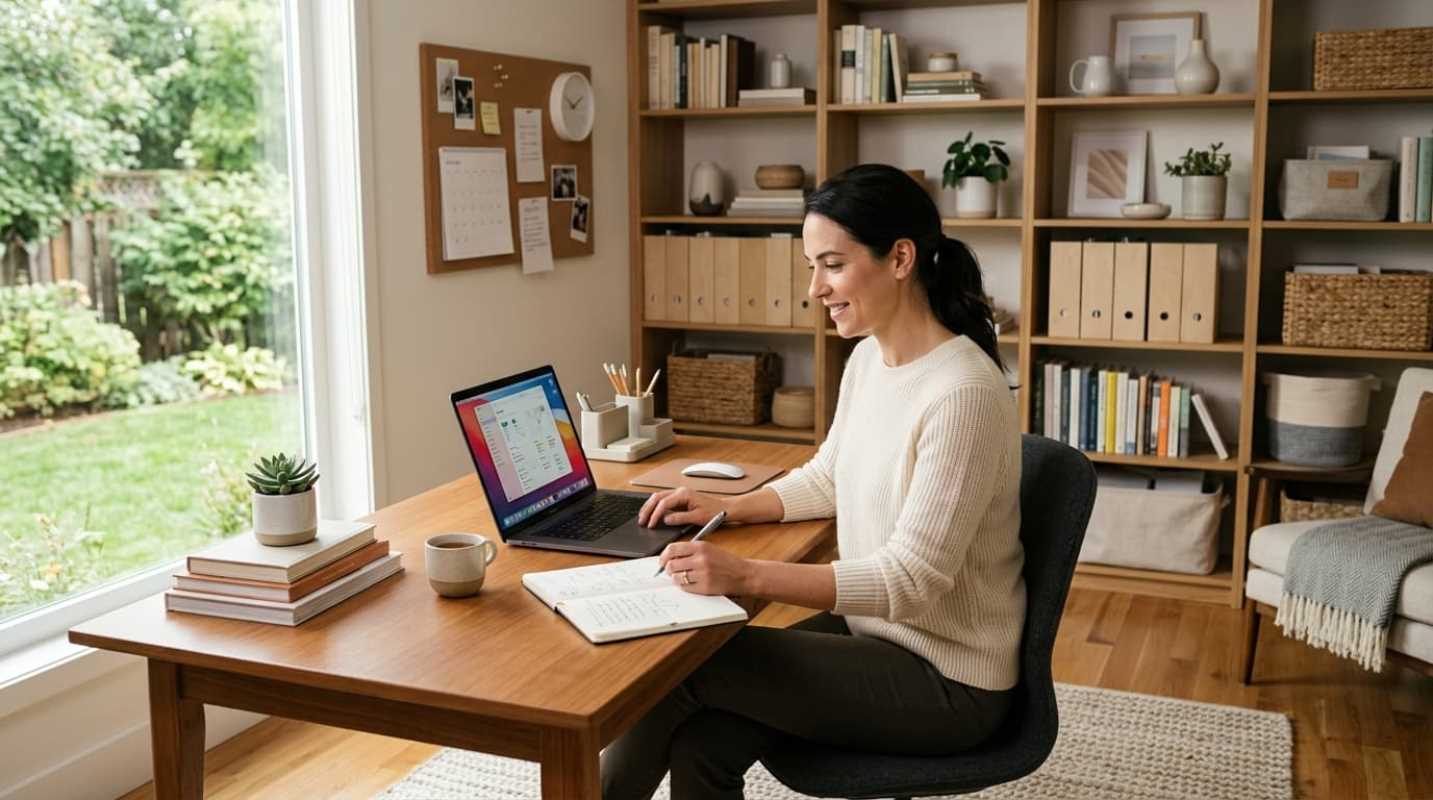
• Display positioning: Mount your screen an arm's length away, roughly 20 to 28 inches from your eyes, with the top third of the monitor sitting level with your gaze.
• The 20-8-2 routine: For every 30-minute block of work, spend 20 minutes sitting, 8 minutes standing at a sit-stand desk, and 2 minutes moving or stretching.
Once your physical alignment is dialed in, establish task zones. Keep one zone for deep, heads-down computer work and another spot for administrative tasks or phone calls. Even rotating your chair toward a secondary surface can help your brain shift gears smoothly.
Decluttering Your Digital and Physical Workspace
Visual clutter is an active drain on your brain power. Neuroscientists at the Princeton Neuroscience Institute found that clutter competes directly for neural representation in your visual cortex.³ When stacks of paper, stray mugs, and random tech gadgets surround your screen, your brain burns energy just filtering them out. That constant competition weakens your working memory and slows down how fast you process information.
To stop that mental drain, treat your desk surface like premium real estate. Use the industrial design reach zone model to decide where things belong
• Primary zone: Keep tools you touch constantly within 14 to 18 inches. This area is reserved for your keyboard, mouse, and active notebook.
• Secondary zone: Place items you reach for several times an hour between 18 and 26 inches away. This includes your water bottle, phone stand, and current reference sheets.
• Tertiary zone: Store everything else completely out of arm's reach in drawers, cabinets, or wall shelving.
Run your physical space with a strict one-in, one-out rule. When you bring in a new notebook, desk accessory, or keyboard, let go of the old one immediately.
Tame your cables, too. Messy wires create constant visual noise that makes a clean room feel disorganized. Mount a cable tray under your desk, group your power cords with velcro ties, and route your laptop through a single USB-C dock to keep your desktop cord-free.
Finally, stop paper piles before they start. Scan paper receipts, tax forms, and mail directly into cloud storage using your phone, then shred the paper copies. A digital filing system saves space and lets you search for documents in seconds.
Mastering Practical Office Storage Solutions
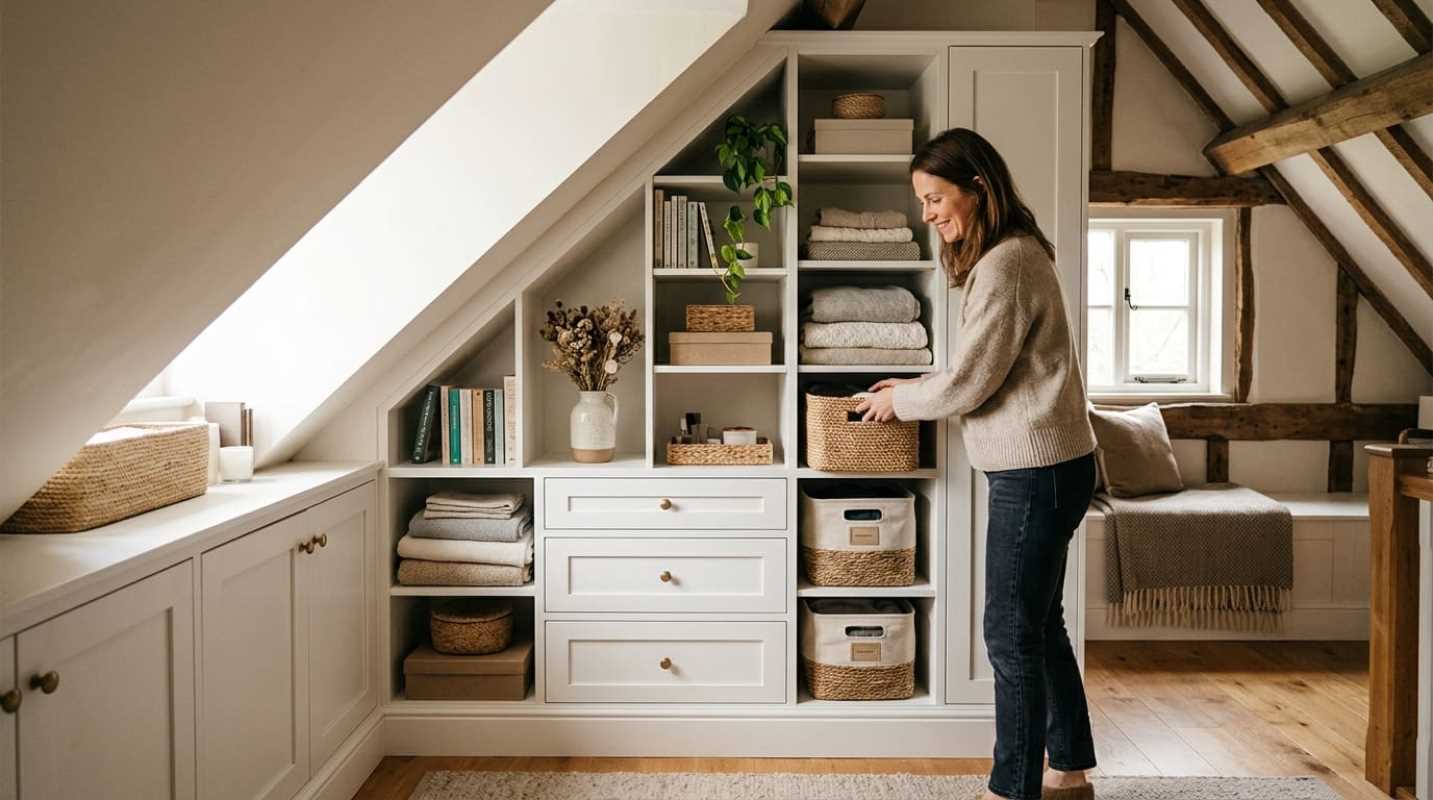
When you run out of floor space, your walls are your best asset. Going vertical gets supplies off your desk without pushing them out of reach.
Wall-mounted shelving units, modular pegboards, and desk-clamp organizers lift headphones, hard drives, and stationery away from your main work surface. That leaves your desk clear for actual work.
Look for multifunctional furniture that conceals practical office storage. A credenza with cabinet doors keeps printers and bulky binders hidden away, giving the room a calm feel. If you use a rolling cart, tuck it neatly beneath your standing desk during work hours.
Group your office needs into distinct categories so everything has a permanent home. Store all charging cables in one bin, pens and pads in another, and backup tech supplies in a labeled drawer. When every tool has a designated spot, cleaning up takes seconds instead of an entire afternoon.
Optimizing Your Home Office Organization for Daily Maintenance
The cleanest desk in the world will slide back into chaos if you lack a daily routine to protect it. You do not need to spend hours organizing every weekend. You just need a quick five-minute reset at the end of each day.
Before you leave your desk
1. Close unnecessary browser tabs and save your work files.
2. File away loose papers and return pens to their holders.
3. Take coffee mugs and water glasses back to the kitchen.
4. Push in your chair and turn off your desk lighting.
This ritual draws a firm psychological boundary between your workday and your personal evening. When you sit down the next morning, you are greeted by an inviting, clean surface rather than yesterday's mess.
Stick to simple, low-maintenance organizing tools. Overly complicated drawer dividers and complex bin setups usually fail because they require too much friction to maintain. Simple open bins and clean trays work best. Once every quarter, audit your desk. If you have not used a tool or notebook in three months, move it into deep storage.
Personalizing Your Environment for Sustainable Productivity
An organized workspace does not have to feel like a cold hospital room. You want an environment that lifts your mood and keeps you engaged during long projects.
Start by tuning your lighting. Standard ceiling fixtures in most homes supply roughly 100 to 150 lux, which is far too dim for high-focus tasks. Aim for dedicated task lighting that delivers 300 to 500 lux across your desk. Use a monitor light bar to illuminate your workspace without creating screen glare. During morning hours, select cooler white light between 4,000K and 5,000K to support alertness. When late afternoon arrives, transition to warmer light around 2,700K to protect your sleep cycle.
Bring the outside indoors with biophilic elements. Research shows that incorporating natural wood textures, sunlight, and indoor plants can increase workplace focus by 8% to 15% while reducing stress levels by up to 30%. Low-maintenance plants like a snake plant or a pothos look great and purify your air.
Manage room acoustics as well. Hard drywall and bare floors cause sound to bounce around, which causes ear fatigue on long calls. Add a dense area rug, heavy curtains, or decorative acoustic felt wall panels to absorb room reflections.
Finally, add personal touches that reflect your professional identity. Hang a favorite art print or display an award that reminds you of what you have built. When your workspace feels intentional, showing up to do your best work becomes second nature.
Sources:
1. Anthony Butera Team
https://www.anthonybuterateam.com/top-home-office-trends-of-2025/
2. O'Brien Physical Therapy
https://www.obrienphysicaltherapy.net/blog/ergonomic-tips-for-your-home-office-setup
3. Princeton Alumni Weekly
https://paw.princeton.edu/article/psychology-your-attention-please